Yes, you can just dump videos on your YouTube channel. But if they’re not optimised, how will Google know whether they’re an explainer of your service, a wrap-up of a grand event, or just a video of the office cat?
Every video needs a minimum level of optimisation.
Most people decide whether or not to watch a video based on two things: the title and the thumbnail. If your thumbnail is dull, your click-through rate will be too. Don’t leave this up to chance.
I too used to just bumble through. My “quick fix” was to screenshot a random moment in the video and upload that. The result? A grainy image of someone mid-sentence with a half-expression. Done, easy. But not exactly compelling.
You know what else is easy? Creating a thumbnail template in Canva. Call it something like “YouTube Video Thumb Template.” Drop in a still from your video, add a short, punchy title, download it, and upload it as your custom thumbnail. It doesn’t have to be perfect. But it will be better than letting YouTube choose a random frame. And each time you reuse that template and tweak it, you’ll get sharper. By the end of the mini-series, you’ll look back and think, “Hey, that actually looks good. I’d click on that.”
What about other platforms? Learn more here…
Titles matter
Of course, titles are crucial too. “Check out my cute cat” won’t work for an explainer video about your services…and vice versa.
Your title should clearly convey what’s in the video, and do it in a way that’s engaging enough to make someone want to click. Be descriptive. Be specific. Be real.
What about descriptions and hashtags?
They help, especially with SEO. But the most important thing to get people to watch is the thumbnail and title. But it’s worth adding a short, descriptive summary and a few targeted hashtags… this will get you 70% of the way there.
Listed, Unlisted or Private?
This part matters. YouTube rewards consistency. So if you have three videos ready, it’s better to schedule them for three consecutive weeks than to release them all at once.
Timing depends on your audience. Internal team update? Monday morning at 8am. Event wrap-up? Just before the weekend. Cat video? Peak user time, evenings between 6–10pm.
Best practice:
Upload the video as Unlisted. Share it with a proof person, a colleague or even a family member. Someone who hasn’t seen it before will pick up on spelling errors, sound glitches, or things that feel off. Take their feedback seriously. If needed, do another edit and re-upload.
Once it’s ready, with a proper title, thumbnail, and description, don’t hit “Public” just yet. Be strategic. Schedule it for a time that makes sense for the content.
Bonus tip:
If you’ve created a teaser or short (vertical) version, consider releasing that first to build anticipation for the full video.
Home Page and Playlists
Have you updated your YouTube homepage settings? Have you created playlists?
If not, you’re missing a key opportunity.
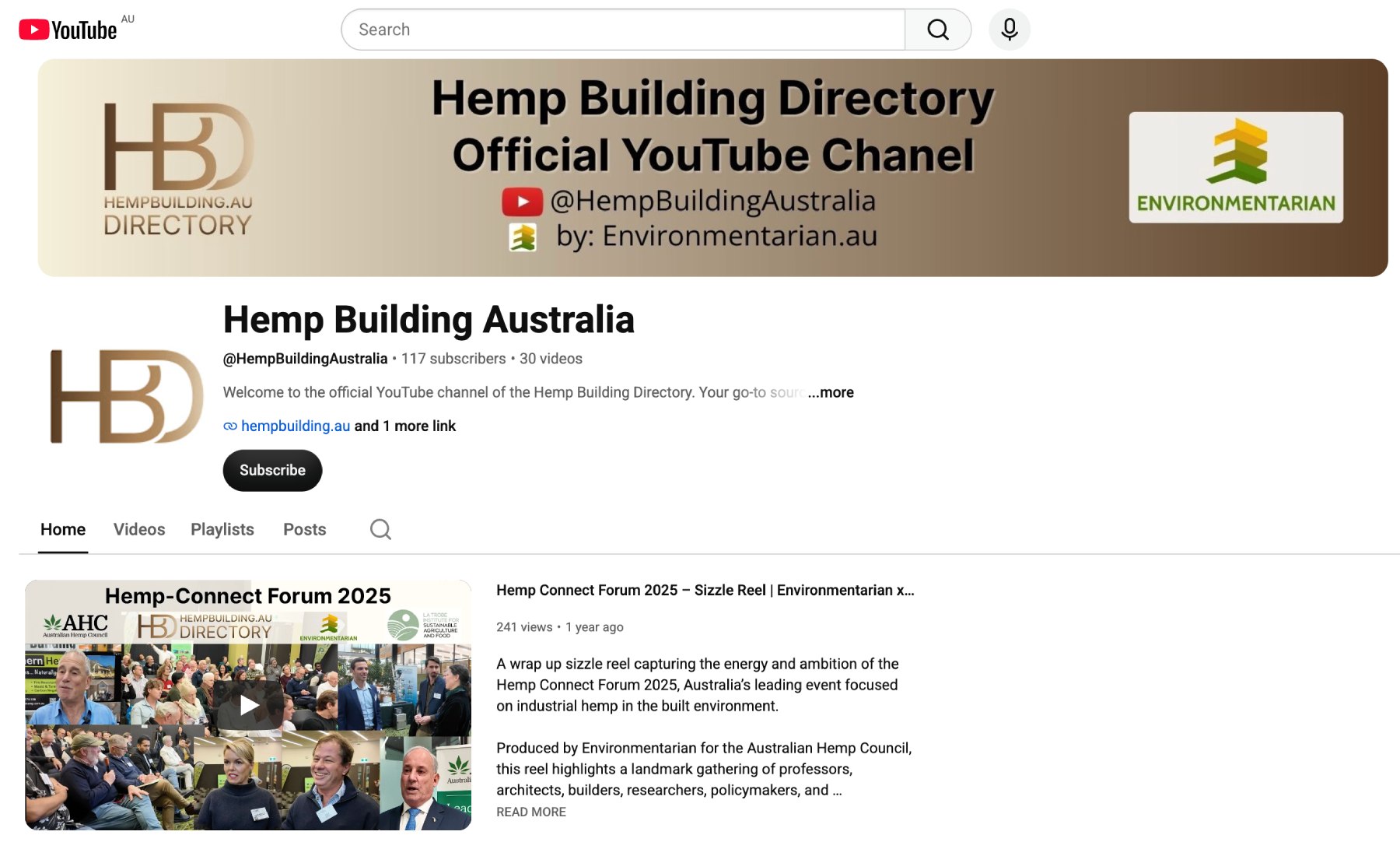
Think of your channel as a mini website. If someone likes your content, they’ll probably check out your channel. If it looks unfinished or messy, they won’t subscribe.
Set it up once and benefit long-term:
- Add a banner image
- Upload a welcome video (even if it is just your best cat clip)
- Add your logo
- Create playlists, these are like mini categories within your channel. (cat – egories – lol)
Help visitors find more of your content and give them a reason to stick around.
Wrap-Up
This is just the beginning of getting your videos to stand out, even if it’s just to your team, your clients, or your mum. But it’s a powerful start. With minimal effort, you can make a lasting impact and give your videos the best chance to be seen.
Code: COMP.DISCOVERY